Basic and scientific modes
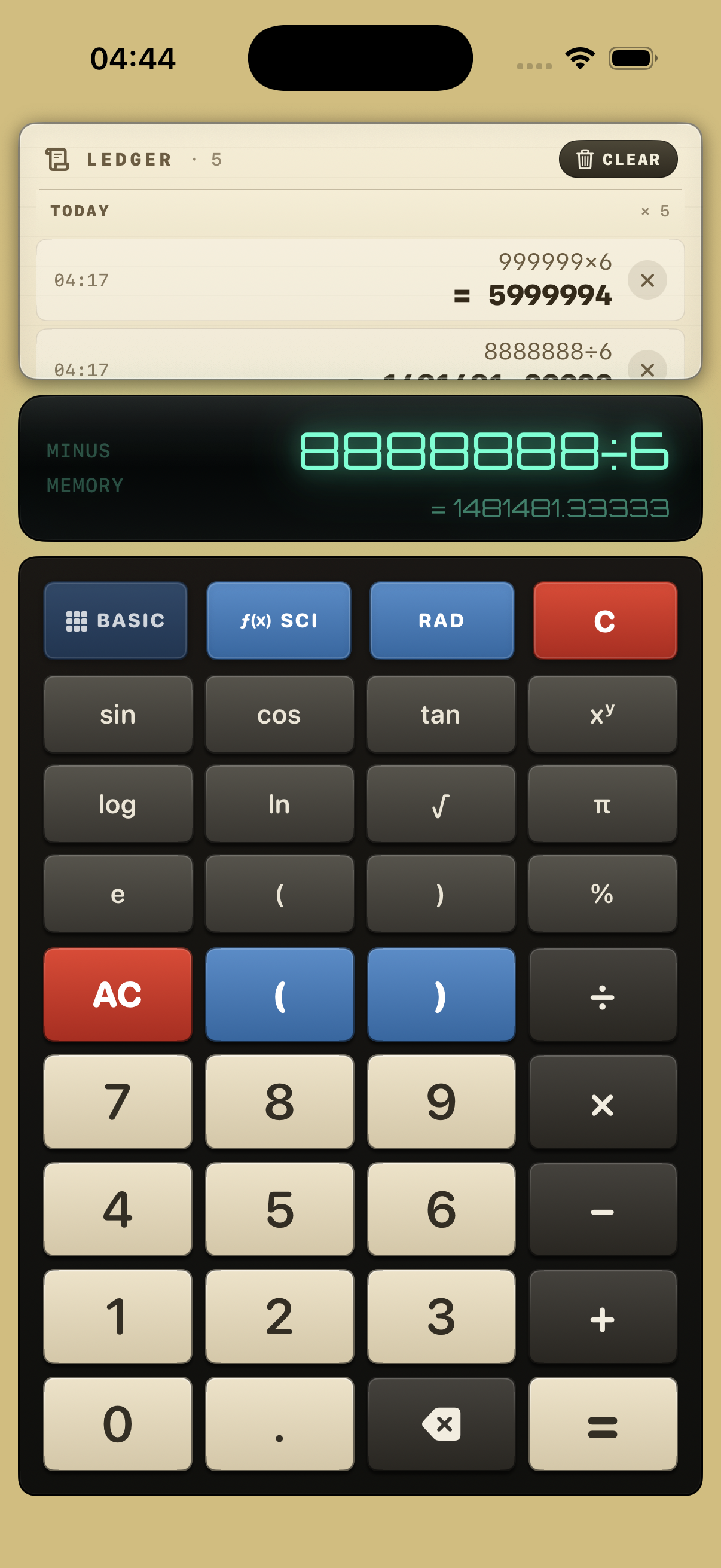
Switch between everyday arithmetic and scientific functions: sin, cos, tan, log, ln, powers, square roots, π, e and percentages, with degrees or radians.
iPhone App · Calculator
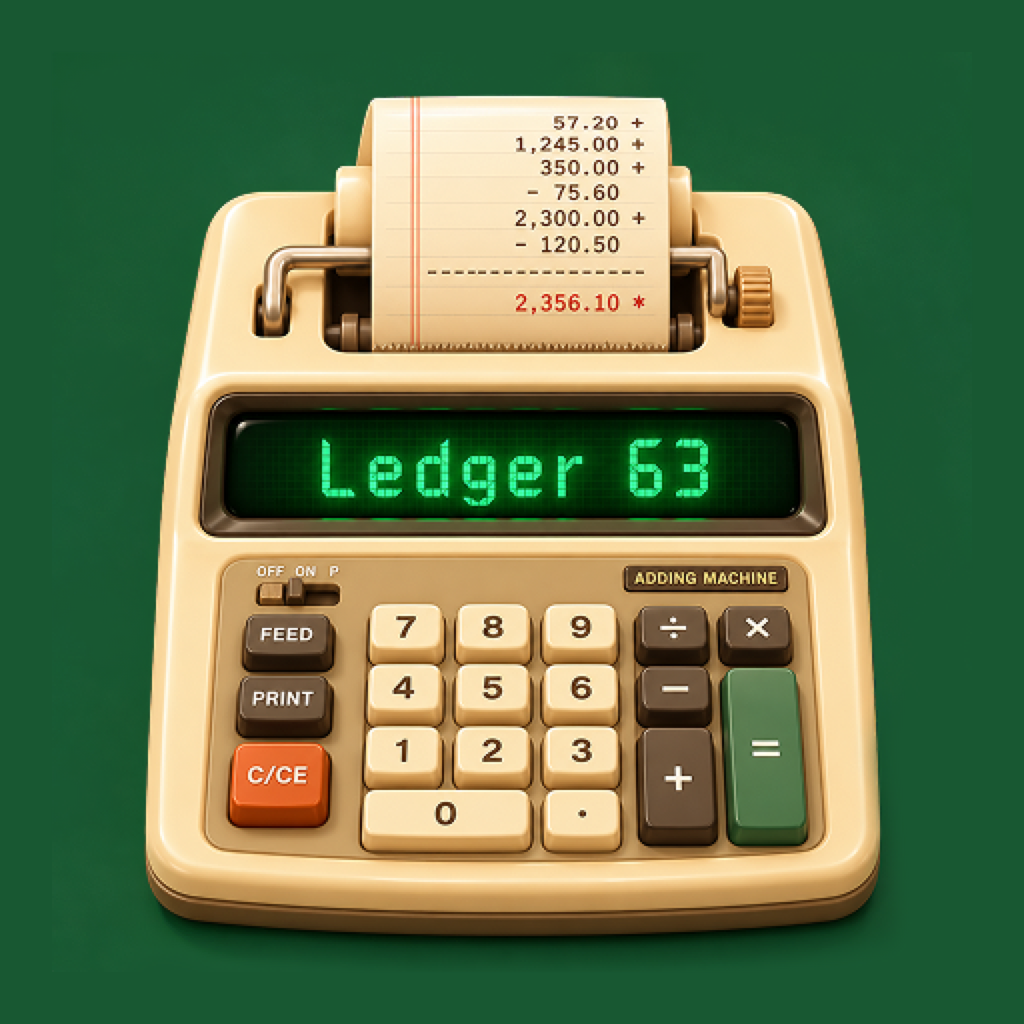
The feel of a classic adding machine, the tools of a modern calculator. A glowing display, chunky keys, scientific functions and a paper ledger that remembers every calculation so you can tap to reuse it.
Designed for iPhone.
Features
A familiar calculator with useful tools close at hand, wrapped in a design that makes everyday maths a little more fun.
Switch between everyday arithmetic and scientific functions: sin, cos, tan, log, ln, powers, square roots, π, e and percentages, with degrees or radians.
Place the cursor inside an expression to fix a typo instead of starting over, and see the result preview update as you type.
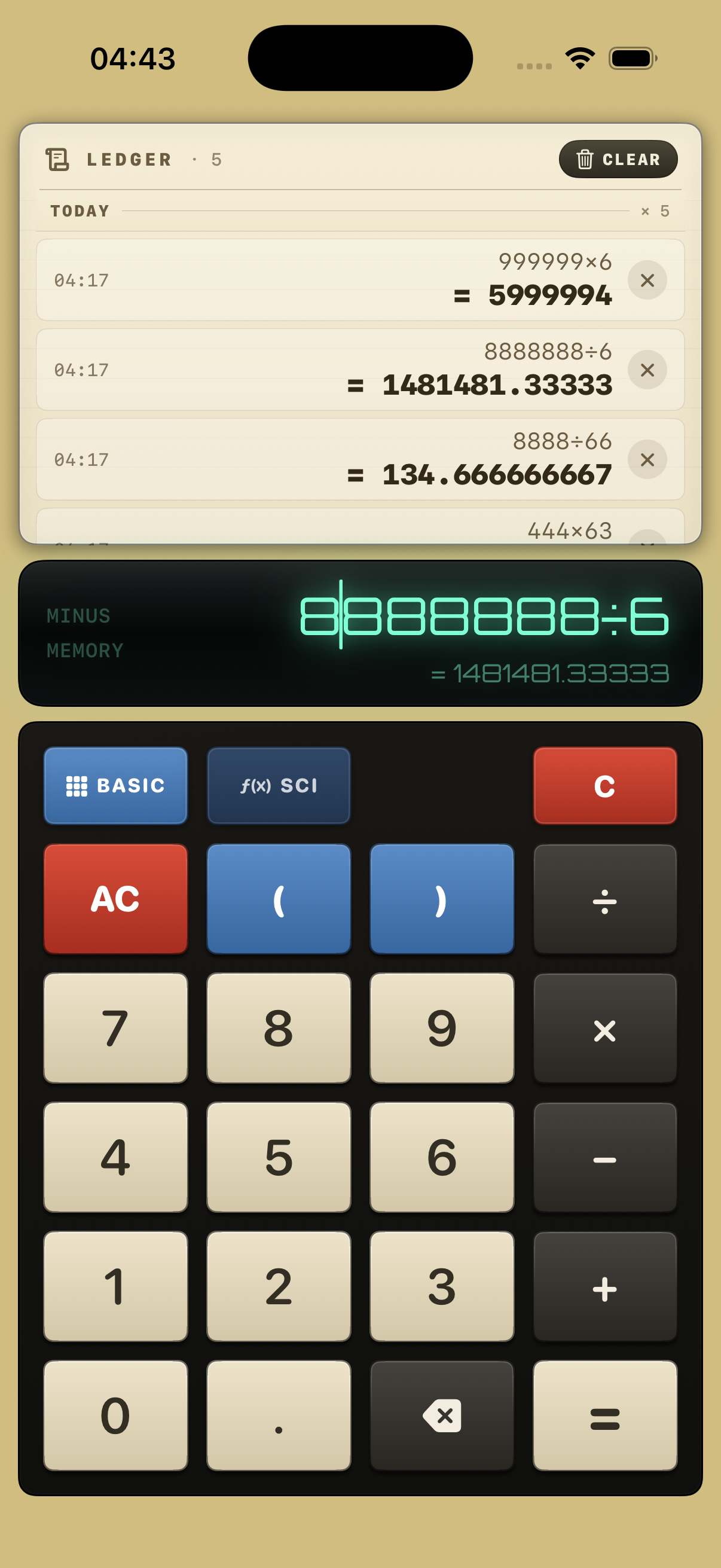
Every calculation is printed to a paper style tape, grouped by day with timestamps, so you can look back at your work.
Tap a past expression to recall it, or tap a result to insert it into the current calculation. History stays on your iPhone and can be cleared anytime.
| Mode / Area | Keys & Controls | How It Works |
|---|---|---|
| Paper Ledger Tape | Timestamps · Recall expression · Insert result · Clear | Every completed calculation prints to the scrollable paper tape. Tap a past expression to edit it, or tap a result to insert it into your active calculation. |
| VFD Display | Cursor placement · Live preview | Glowing vacuum-fluorescent style display shows your full expression on the top line and a live result preview underneath before you press equals. |
| Basic Mode | 0–9, ., +, −, ×, ÷, ( ), C, AC, ⌫, = |
Tactile cream and charcoal keys for everyday arithmetic, receipts, totals, and grouped expressions. |
Scientific Mode (f(x) SCI) |
sin, cos, tan, log, ln, xʸ, √, π, e, %, RAD / DEG |
One tap expands the scientific function rows and angle unit toggle without leaving the vintage interface. |
Interactive web demo
Test how Ledger 63 feels in your browser: switch between BASIC and f(x) SCI, watch each calculation land on the paper tape, and click any past expression or result to reuse it.
Interactive browser preview of Basic & Scientific modes. The iPhone app adds in-place cursor editing and persistent on-device history.
Screenshots
Cream keys, a green glowing display and a paper ledger, inspired by the adding machines of the past.
Everything you need for quick sums and totals, with the ledger always in view.
Tap SCI for a full set of functions without leaving the vintage look.
Use cases
Add up receipts, split a bill or check a total in basic mode, with every step kept on the tape.
Switch to scientific mode when an expression calls for powers, trigonometry or logarithms.
Look back through earlier calculations and reuse an expression or result as the starting point.
How to use Ledger 63
Make a calculation and use the ledger to continue your work.
Use the keypad. The display shows a result preview when the expression is valid.
Use Basic for everyday maths or switch to SCI for more functions and RAD/DEG.
Tap equals. The calculation is added to the ledger with a timestamp.
Tap a past expression to bring it back, or a past result to insert it.
FAQ
Everything you might want to know before downloading.
Yes. Scientific mode provides trigonometry, logarithms, powers, square roots, π, e, percentages and a degrees/radians setting.
Yes. Tap within the expression to position the cursor and make a change. The result preview updates as you edit.
Yes. Tap an expression in the ledger to recall it, or tap a result to insert it into your current expression.
Ledger 63 stores calculation history locally on your iPhone. You can delete single lines or clear it within the app.
No. Calculations run on your device and history is stored locally.
The App Store page is being prepared. The download link will appear on this page when it is live.
Bring some vintage character to the numbers in your day.
More from Good tools

Batch image compression and conversion for Mac. Shrink files by over 60%, processed locally.